
Most of the features hosts use every day started as a single message in the in-app chat. Not a roadmap meeting, not a survey — a host opening the chat at 11pm after a turnover and writing what they wished worked differently. We read every one, and the strongest patterns turn into the next things we build.
This post does two things: walks through five recent host requests that turned into shipped features, then shows the exact steps for sending the next idea to the team through the in-app support chat. If you've been holding back an idea because you weren't sure where to send it, this is the channel.
Five things hosts asked for that shipped
Each of these started as one host's message, then showed up in others — that's how a single sentence turns into a real feature.
A slimmer update-available prompt. Hosts asked for a less intrusive way to know when a new version was deployed — they wanted the option to refresh without losing scroll position or context. We added a top-bar prompt with a backdrop blur and safe-area padding for notched iPhones. It surfaces, you tap, the new bundle activates without a full reload.
Show-password toggle on every auth field. Hosts kept typo'ing passwords on mobile keyboards, especially when juggling check-ins. The eye toggle now appears on login, signup, and update-password forms — a 30-line component that shipped the same day the request came in.
Shareable invite link for OTA bookings. Several hosts reported that guests booking through OTAs arrive with a one-way relay email, which means the standard email-based invite bounces or never gets opened. The guest portal now supports a manual share-link path: hosts generate a link, paste it into whichever channel the OTA exposes (Airbnb message thread, SMS), and the guest creates their portal account from there. No email required on the host side.
Welcome cards on the guest's My Stay tab. A long-standing request: hosts wanted room to write a real arrival message — local recommendations, a note about the upstairs neighbor's Friday-night music, anything that set tone beyond a flat list of codes and rules. The new Welcome section type accepts markdown, renders with a tight safe-html allowlist, and pins to the top of the guest's My Stay screen alongside access codes. Multi-instance, so you can mix a property-default welcome with a per-reservation override.
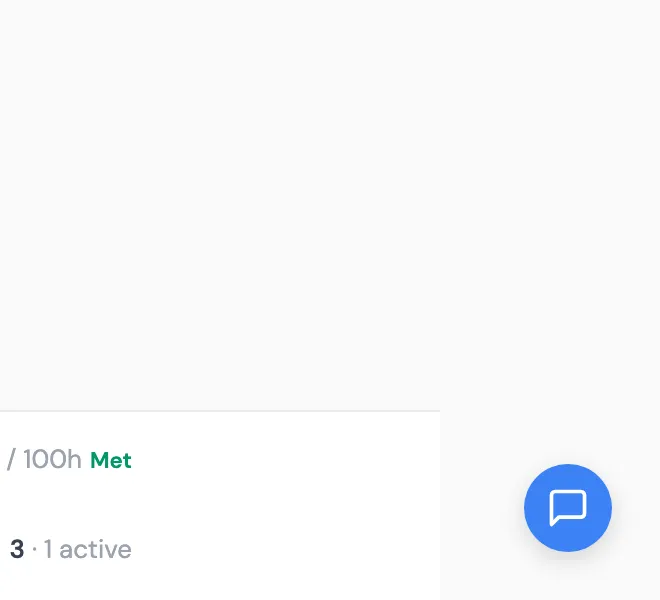
Material-participation progress on the host dashboard. STR hosts claiming non-passive treatment under IRS §469 have to demonstrate participation against the 100-hour and 500-hour tests. Reconstructing those totals at year-end is one of the more painful parts of compliance work, so hosts asked: you already have my work logs, can you just show me the running total? The "AT A GLANCE" panel on /today now surfaces both bars with a "Met" tag the moment a host crosses the threshold. The underlying logs are unchanged; the change is making the math visible. If you want a quick estimate of where your reported hours sit before you start logging contemporaneously, the STR Tax Calculator gives a sixty-second read against IRS-cited methodology.
How to send the next idea
Four steps. We read every message, so any kind of submission works, but the ones that land fastest follow this shape.
-
Open the support chat. Look for the floating "Chat with a live agent" button in the bottom-right of any page after login. Tap or click it. The chat panel slides up from the bottom of the screen.
-
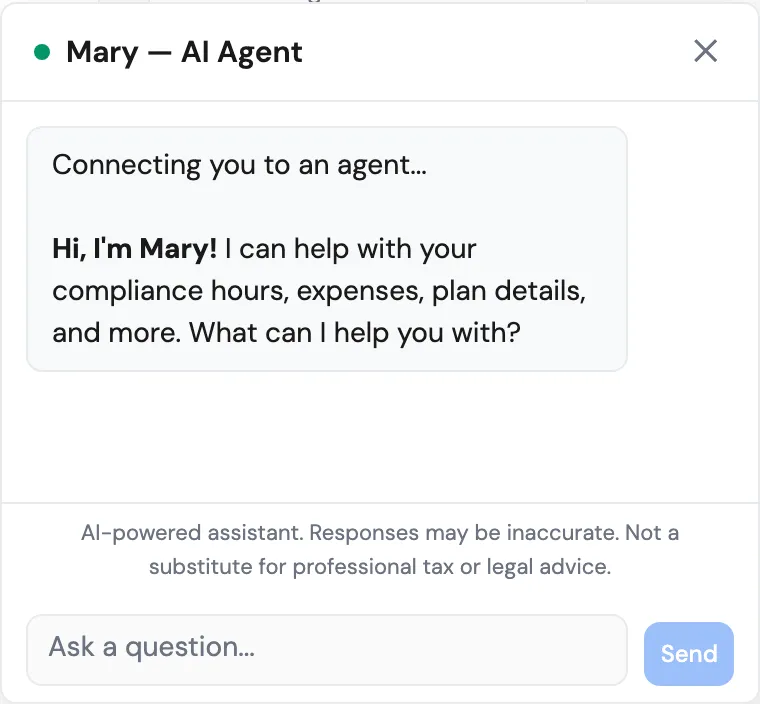
Type the idea in plain language. No template required. Describe the problem in your own words — what you were trying to do, where it broke down, and what would have unblocked you. Plain prose is fine; you don't have to format it.
-
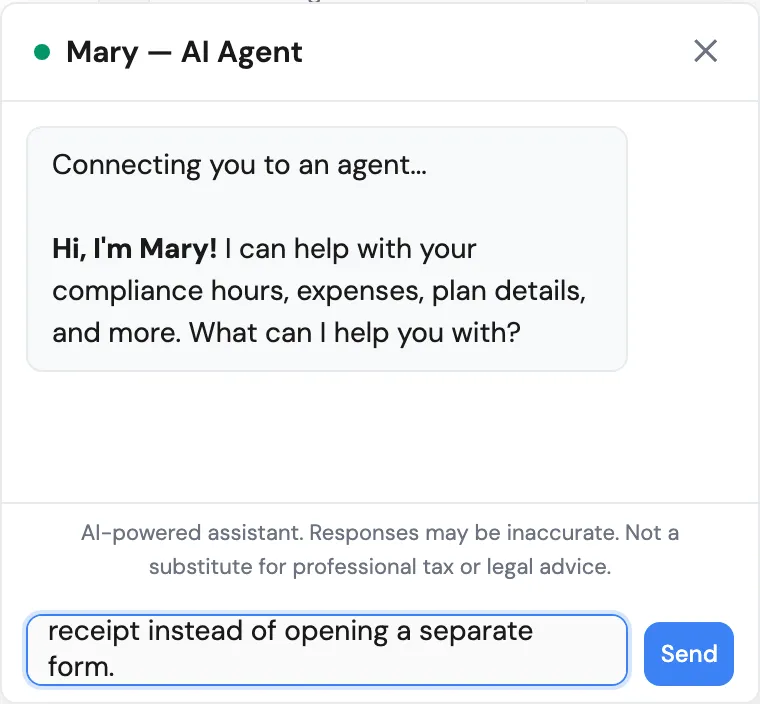
Send it. Press Enter or tap the send button. The chat acknowledges receipt inside the same thread and confirms the submission is logged.
-
Add context if asked. The chat may ask one or two follow-up questions — usually which property type, plan, or workflow you're on. A one-sentence reply is enough.
A few things that help us prioritize:
- Name where you hit it. "On the Today screen when I clicked Quick Action" tells us the surface; "I couldn't find it" tells us our information architecture needs work, not just that the feature is missing.
- Describe the problem, not the UI. "I can't tell which guests still owe me their photo ID" is more useful than "add an ID-status column." We can often solve the underlying problem in a way you wouldn't have asked for.
- Mention scale. If a missing feature affects every reservation versus one edge case a year, say so. That changes the prioritization significantly.
What's next
We don't ship everything. Some requests turn out to already work — those get a how-to reply with screenshots. Some conflict with another host's preference and we have to choose. But every message lands in front of someone on our team, and the response loop closes inside the same chat thread when something ships.
For a quick read on where your current records sit against the IRS participation thresholds — the same data the dashboard surfaces, packaged as a guided estimate you can share with a CPA — try the free STR Tax Calculator. Three inputs, sixty seconds, no account required. (And if material participation is the part that needs more grounding, prove material participation for your STR in 2026 walks through the IRS tests and the records that hold up.)
Keep the ideas coming.