
Every experienced STR host has a version of this story: the guest arrives, immediately messages you asking for the wifi password, and you realize you already sent it — three days ago, in a message they clearly never read.
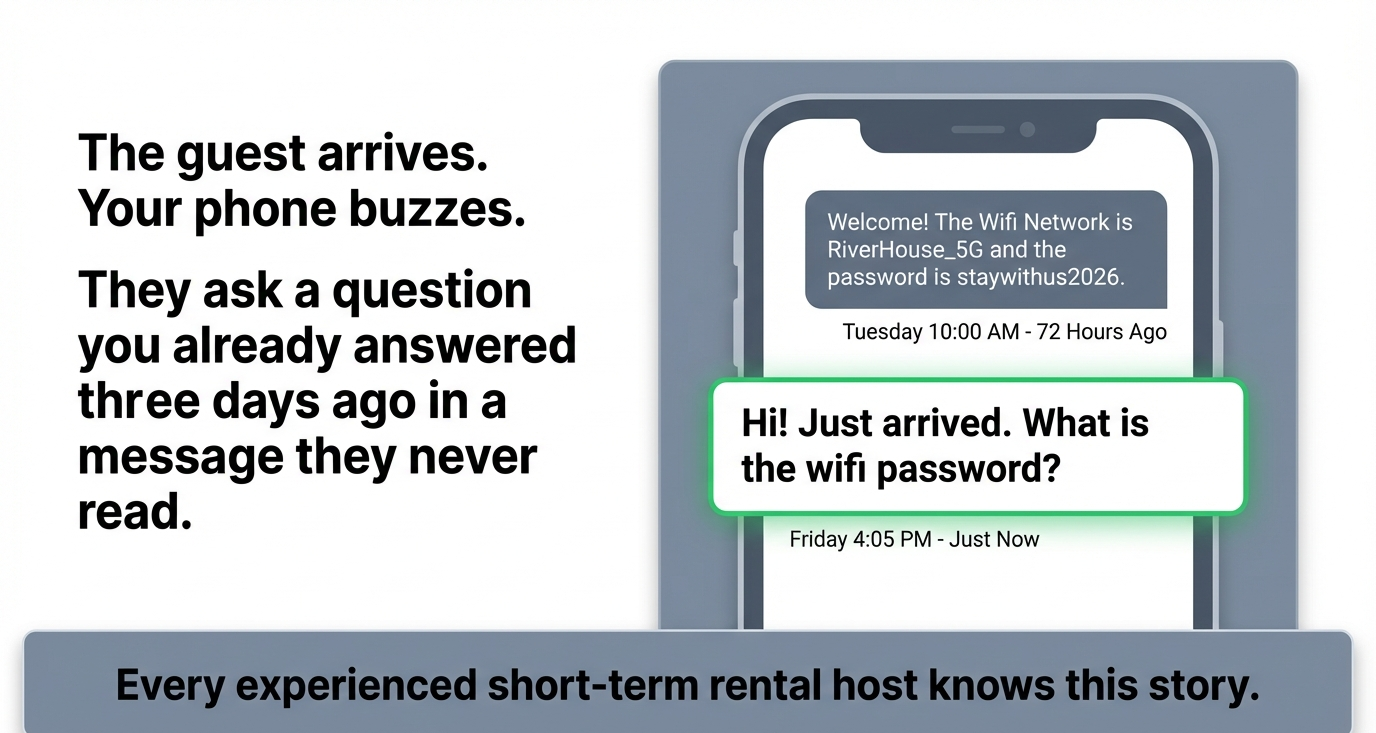 Every experienced short-term rental host knows this story.
The information was delivered. It was not received. And that distinction is the source of most day-of-arrival friction in the short-term rental business.
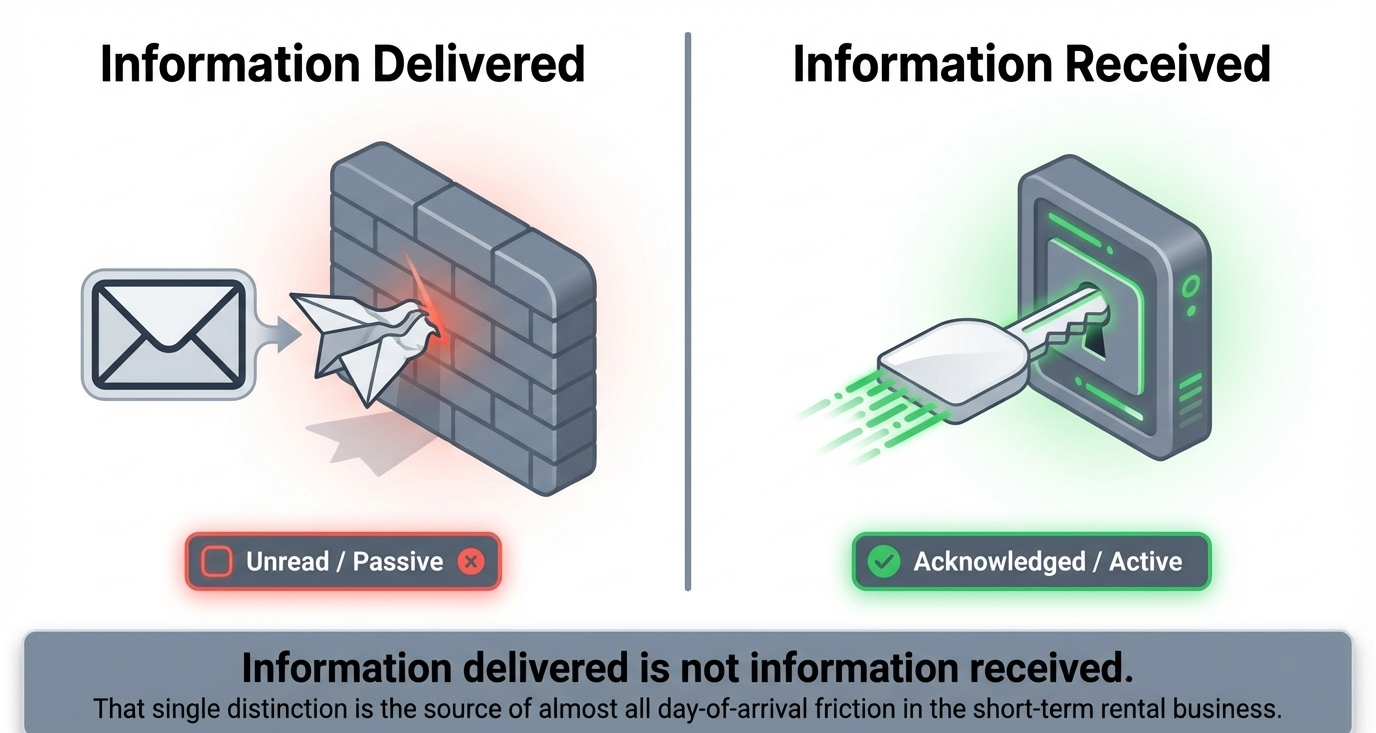 Information delivered is not information received. That single distinction is the source of almost all day-of-arrival friction.
The pre-arrival information gap
Most hosts send some form of check-in instructions before arrival. The problem isn't that the information doesn't get sent. It's that the format, timing, and delivery method almost guarantee a percentage of guests won't absorb it.
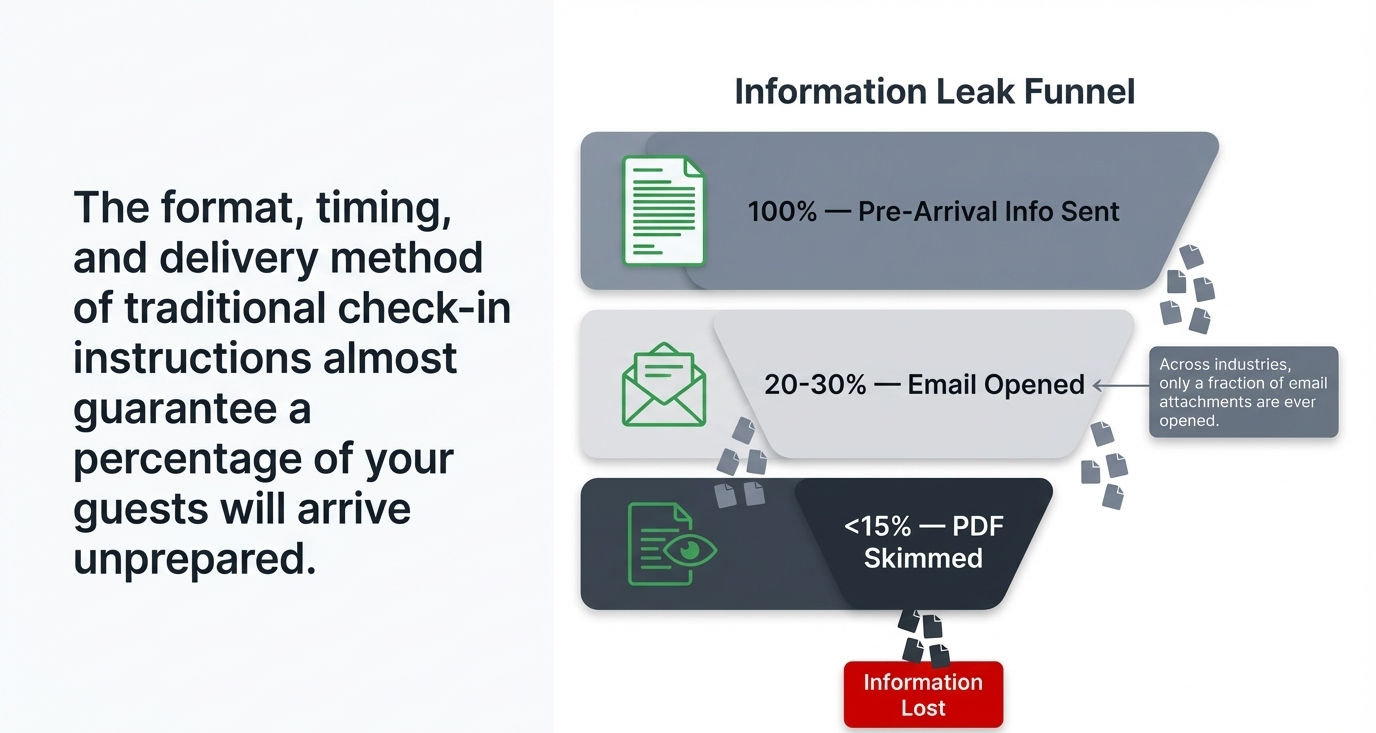 The format, timing, and delivery method of traditional check-in instructions almost guarantee a percentage of your guests will arrive unprepared.
A long email sent five days before arrival is forgotten by the time the guest packs their car. A text message with a wall of details is skimmed and then buried under newer messages. A PDF attachment — the "welcome guide" that took you hours to create — is opened by maybe half your guests and read thoroughly by even fewer.
The result is predictable: guests arrive underprepared, message you with questions you've already answered, and start their stay frustrated. You answer the same questions for the tenth time and wonder why you bothered writing it all down.
What every guest actually needs
The good news is that the list of truly essential pre-arrival information is shorter than most hosts think. You don't need a 12-page welcome binder. You need five or six critical items delivered in a format the guest can quickly review and reference.
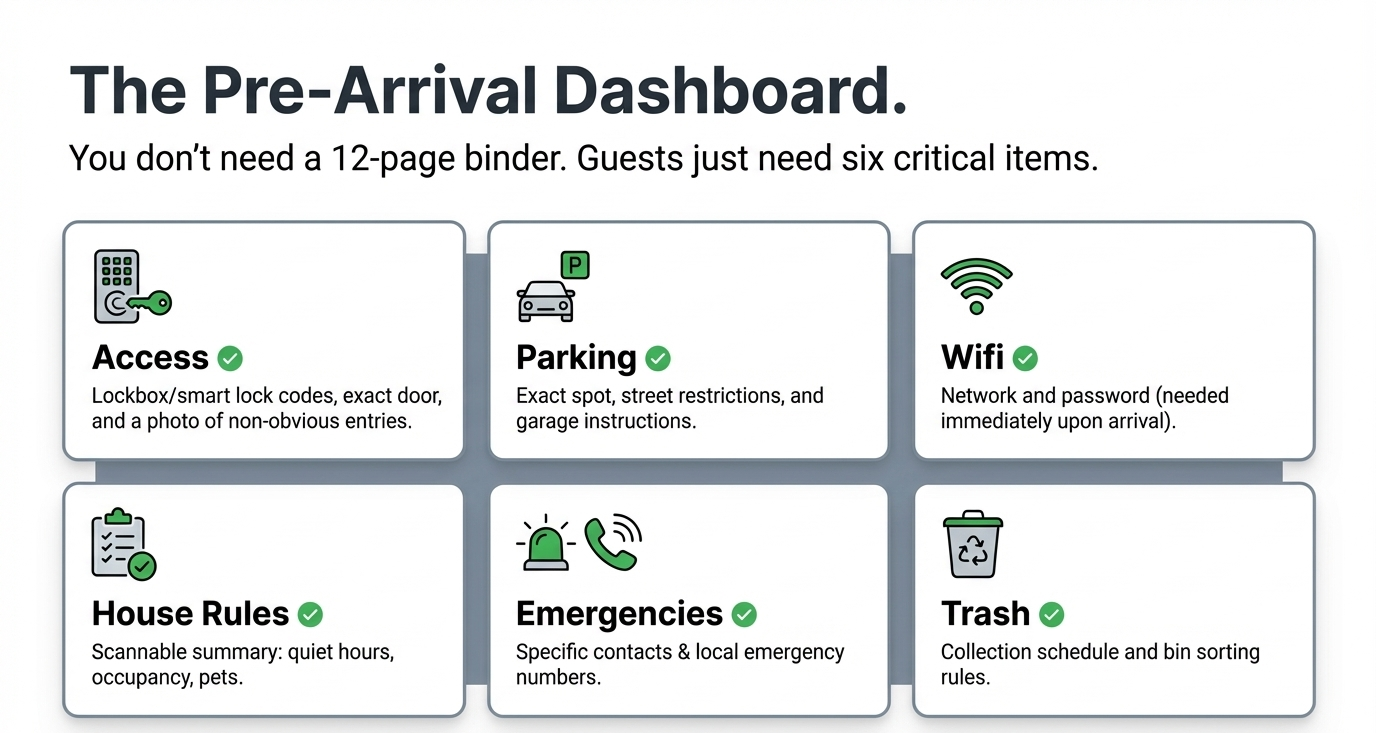 You don't need a 12-page binder. Guests just need six critical items.
Access information
This is the non-negotiable item. The guest needs to be able to physically enter the property. That means: the lockbox code or smart lock instructions, which door to use, and any gate codes or building access steps required to reach the front door.
If your property has a non-obvious entry process — separate entrance, shared building lobby, keypad on a side gate — include photos. A sentence like "use the blue door on the left side" is ten times clearer when accompanied by a photo of the blue door on the left side.
Parking details
Where exactly should the guest park? If the answer is "the driveway," specify which one. If it's street parking, note any restrictions (permit zones, time limits, street cleaning days). If there's a garage, explain how to open it.
Parking is the second most common source of check-in confusion after access codes. Clear parking instructions eliminate a category of guest messages entirely.
Wifi network and password
Put the network name and password in the pre-arrival information, not just on a card inside the property. Guests want to connect the moment they walk in — or even while sitting in the car outside. Making them search the house for a card, or message you asking, is an unnecessary speed bump.
House rules summary
Not your full rental agreement. A short, scannable list of the rules that matter most for the guest's behavior during their stay: quiet hours, maximum occupancy, pet policy, smoking policy, trash and recycling instructions.
The purpose isn't legal coverage (your rental agreement handles that). The purpose is making sure the guest knows the basics before they arrive, so there's no "I didn't know" defense when the neighbor calls about noise at midnight.
Emergency contacts
Who should the guest contact if something goes wrong? Water leak, power outage, lockout, medical emergency? Provide a name and phone number, not just "call me." If you have a co-host or property manager who handles emergencies, list them too. Include local emergency numbers if the property is in an area where guests might not know them.
Trash and recycling schedule
This seems minor, but it prevents a surprisingly common problem: guests leaving bags of trash on the porch or in the wrong bin because they didn't know the collection schedule or the sorting rules. A single line — "Trash pickup is Tuesday. Blue bin is recycling, green is trash." — saves you a cleanup task and a potential neighbor complaint.
Why PDF welcome guides don't work
A lot of hosts invest time building a beautiful PDF welcome guide with photos, maps, restaurant recommendations, and detailed instructions. These guides are great in theory. In practice, they have a fundamental problem: guests don't read them.
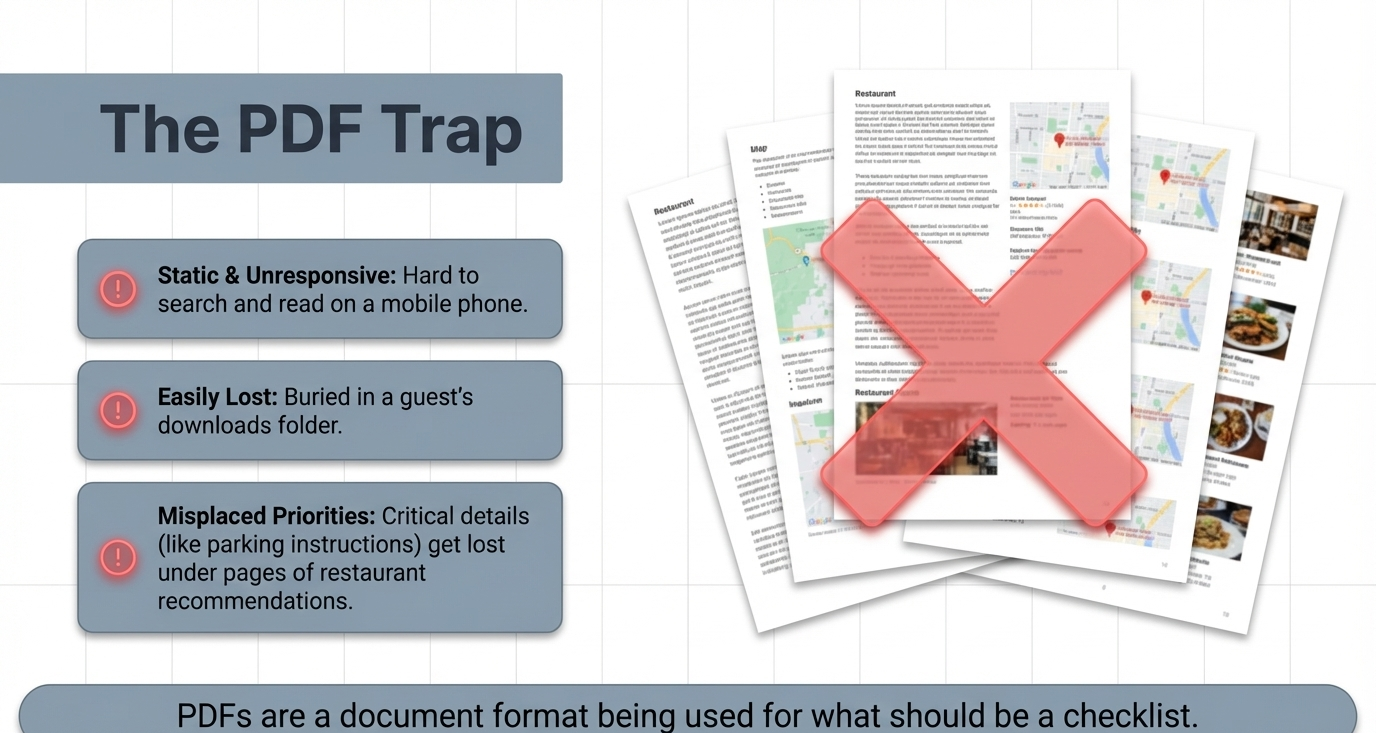 PDFs are a document format being used for what should be a checklist.
The data on email attachment open rates is discouraging. Across industries, about 20-30% of email attachments are opened. For a multi-page PDF from someone the guest doesn't personally know, that number is likely lower.
Even when guests do open the PDF, they skim. They're looking for the wifi password and the lockbox code. The section about trash day on page 4 and the parking map on page 7 get glossed over — and those are exactly the items that generate check-in day questions.
The format works against the content. PDFs are static, hard to search on a phone, and easy to lose in a downloads folder. They're a document format being used for what should be a checklist.
The acknowledgment problem
Here's the core challenge: you can send information, but you can't make someone read it. What you can do is create a format that encourages engagement and gives you visibility into whether the guest reviewed it.
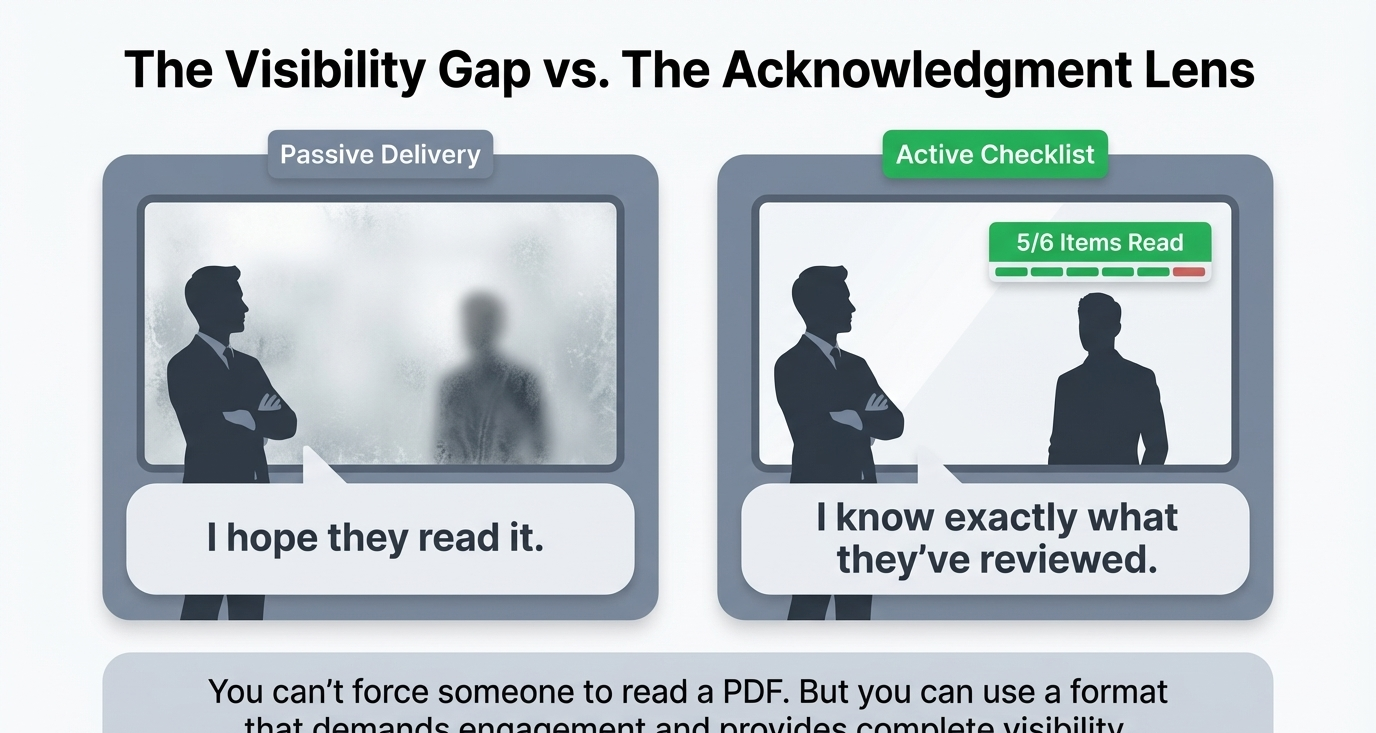 You can't force someone to read a PDF. But you can use a format that demands engagement and provides complete visibility.
An acknowledgment checklist does exactly this. Instead of a passive document the guest may or may not open, you send an interactive list where each item can be individually marked as reviewed. The guest opens the checklist, reads through each section, and acknowledges they've seen it.
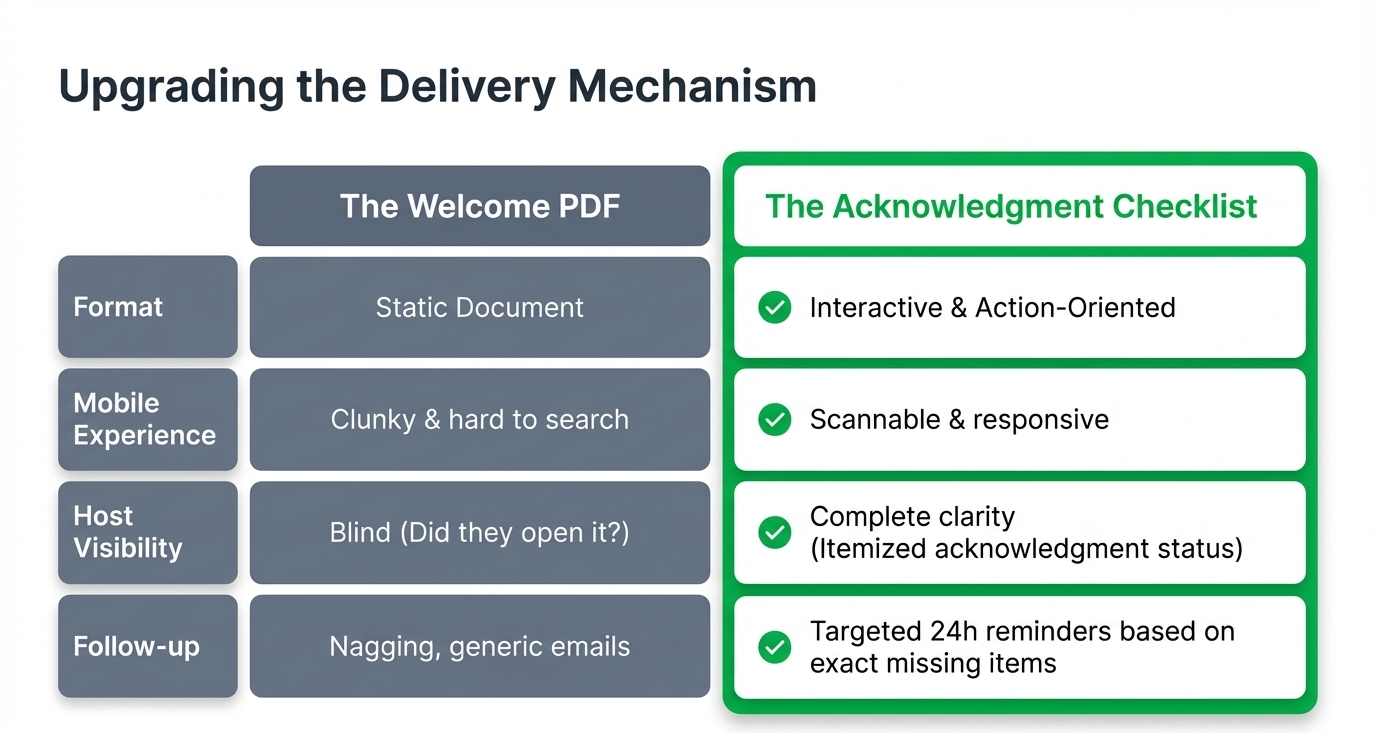 The upgrade from PDF to interactive checklist solves format, mobile experience, visibility, and follow-up in one move.
From the host's side, you see which guests have opened the checklist and which items they've acknowledged. If a guest hasn't reviewed the checklist 24 hours before check-in, you can send a reminder. If they've acknowledged everything except parking, you know exactly where to follow up.
This changes the dynamic from "I sent the information" to "I can see that they received, opened, and reviewed the information." That's a fundamentally different level of confidence going into a check-in.
Automating the process
The manual version of this is workable: create a standard message with your essential items, send it to each guest two days before arrival, and hope they read it. The automated version is better.
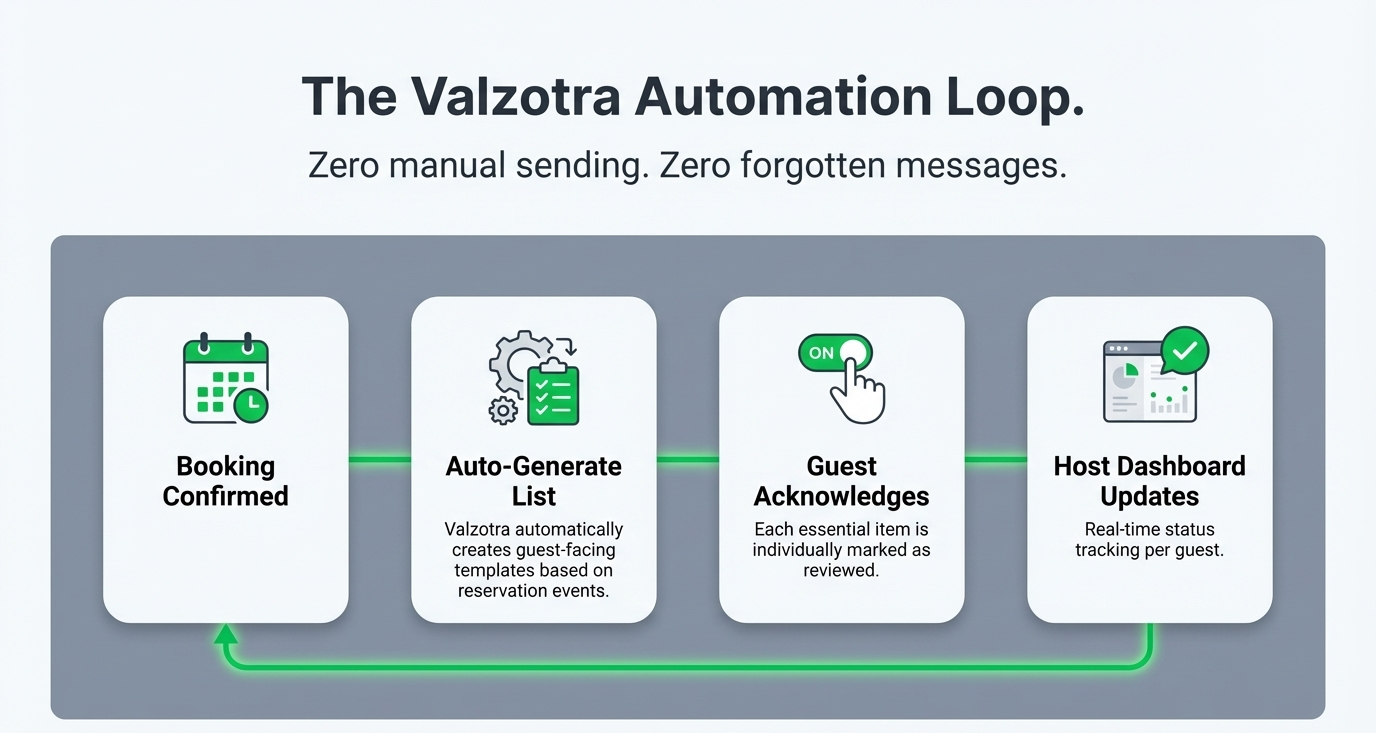 Zero manual sending. Zero forgotten messages.
ArrivHQ lets you create guest-facing checklist templates that auto-generate from reservation events. When a booking is confirmed, the pre-arrival checklist is created and sent to the guest automatically. Each item is individually acknowledgeable, and you can see the status per guest on your dashboard. No manual sending, no forgotten messages, no wondering whether the guest got the info.
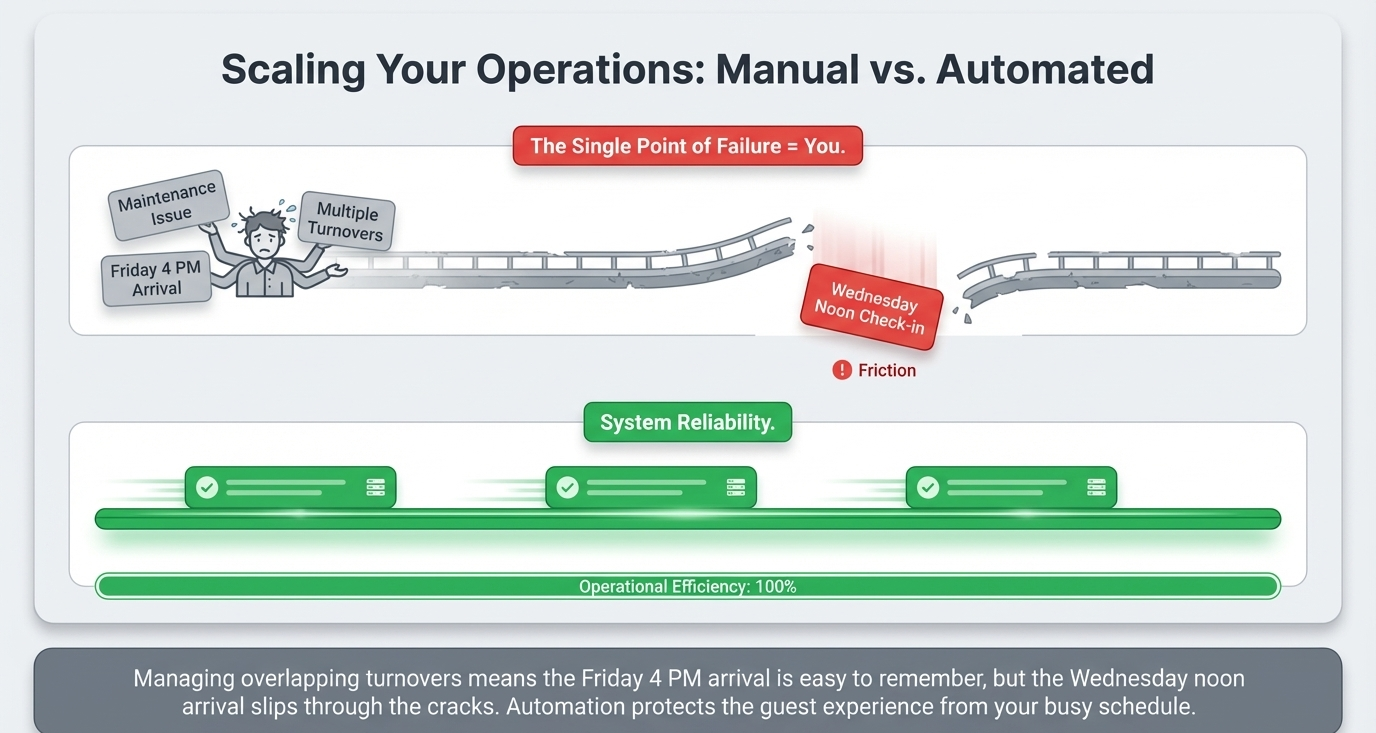 The Friday 4 PM arrival is easy to remember. The Wednesday noon arrival — right after a maintenance issue at another property — is the one that slips through. Automation protects the guest experience from your busy schedule.
The auto-creation piece matters because the manual approach has a single point of failure: you. When you're managing multiple properties with overlapping turnovers, the guest who arrives Friday at 4 PM is easy to remember. The guest who arrives Wednesday at noon, right after you spent the morning dealing with a maintenance issue at a different property, is the one who might not get the message in time.
Reducing day-of questions
The hosts who implement structured pre-arrival checklists report a dramatic drop in same-day guest messages. Not because the guests changed — because the information delivery improved.
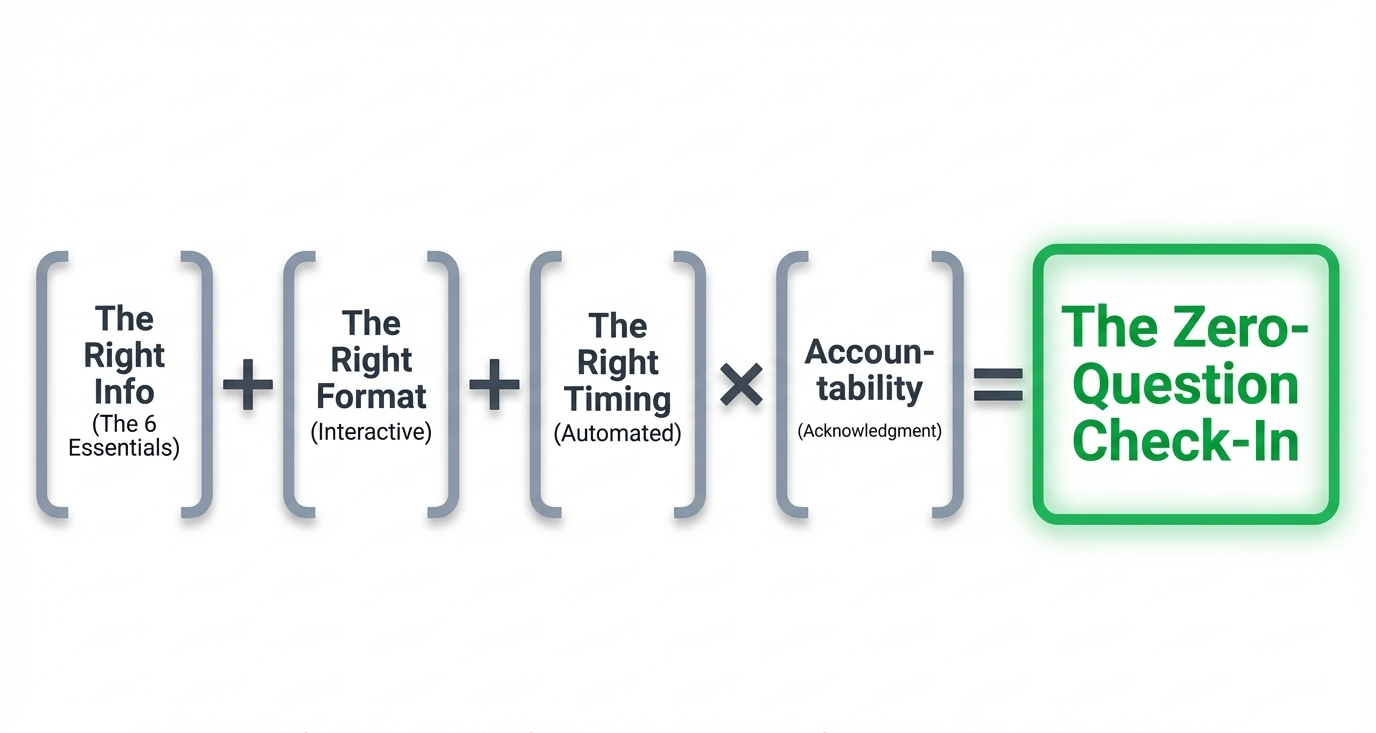 Send the right information, in the right format, at the right time. Confirm they read it. That's the whole system.
When a guest has a dedicated, easy-to-find checklist with their access code, parking instructions, wifi password, house rules, and emergency contacts — and they acknowledged each item before arriving — they don't need to message you. They already have what they need, in a format they can reference at any point during their stay.
That means fewer interruptions for you, fewer frustrated guests, and fewer situations where a delayed response to a "where do I park?" text turns into a one-star review comment about communication.
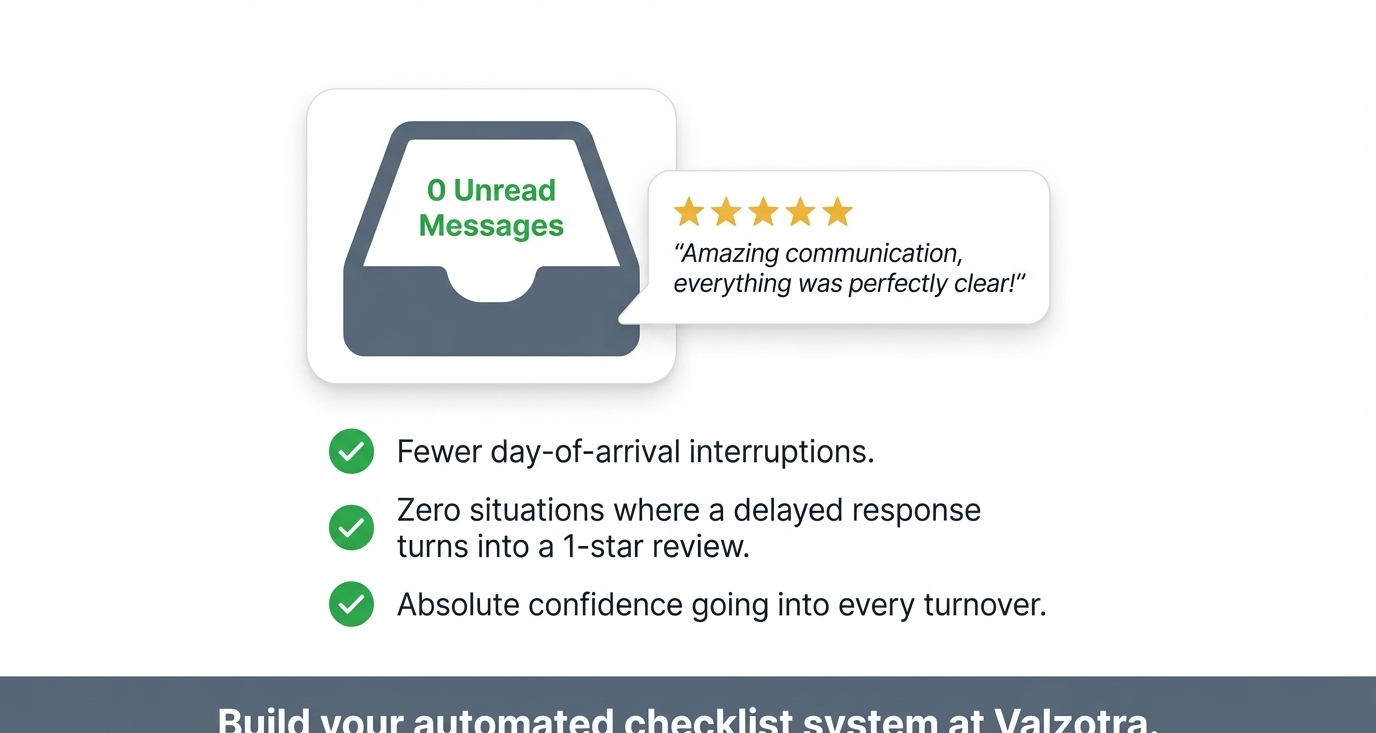 Build your automated checklist system at ArrivHQ.
Send the right information, in the right format, at the right time. Confirm they read it. That's the whole system.