
When your host invites you to a stay on ArrivHQ, they share property details through the guest portal so you have everything you need before and during your trip. This includes the arrival guide, house rules, and any additional information specific to the property. Here is where to find it all and what to expect.
The Property Info section
Sign in to your dashboard, open your stay, and navigate to the Property Info section. This is where your host has collected everything about the property in one place. You might see:
- Property name and location
- The arrival guide
- House rules
- Amenities and features
- Emergency contacts and local information
The information is available as soon as you accept your invitation, and your host can update it at any time. You always see the latest version, so it is worth checking again close to your arrival in case anything has changed.
The arrival guide
The arrival guide is the most detailed part of property info. Your host creates it to help you get to and settle into the property. A typical guide covers:
- Directions to the property — How to get there, landmarks to look for, and any tricky turns.
- Parking instructions — Where to park, how many vehicles are allowed, and any restrictions.
- Door lock or keypad codes — How to get in when you arrive.
- Wi-Fi network and password — So you can get connected right away.
- Appliance instructions — How to use the thermostat, coffee maker, washer/dryer, or anything that might not be obvious.
- Trash and recycling — Pickup days, where to put the bins, and what goes where.
- Emergency contacts — Who to call if something goes wrong, including local emergency numbers.
Some hosts upload a PDF welcome guide instead of entering individual sections. Either way, the information is in the same place. Review the guide before your trip so you know what to expect when you arrive.
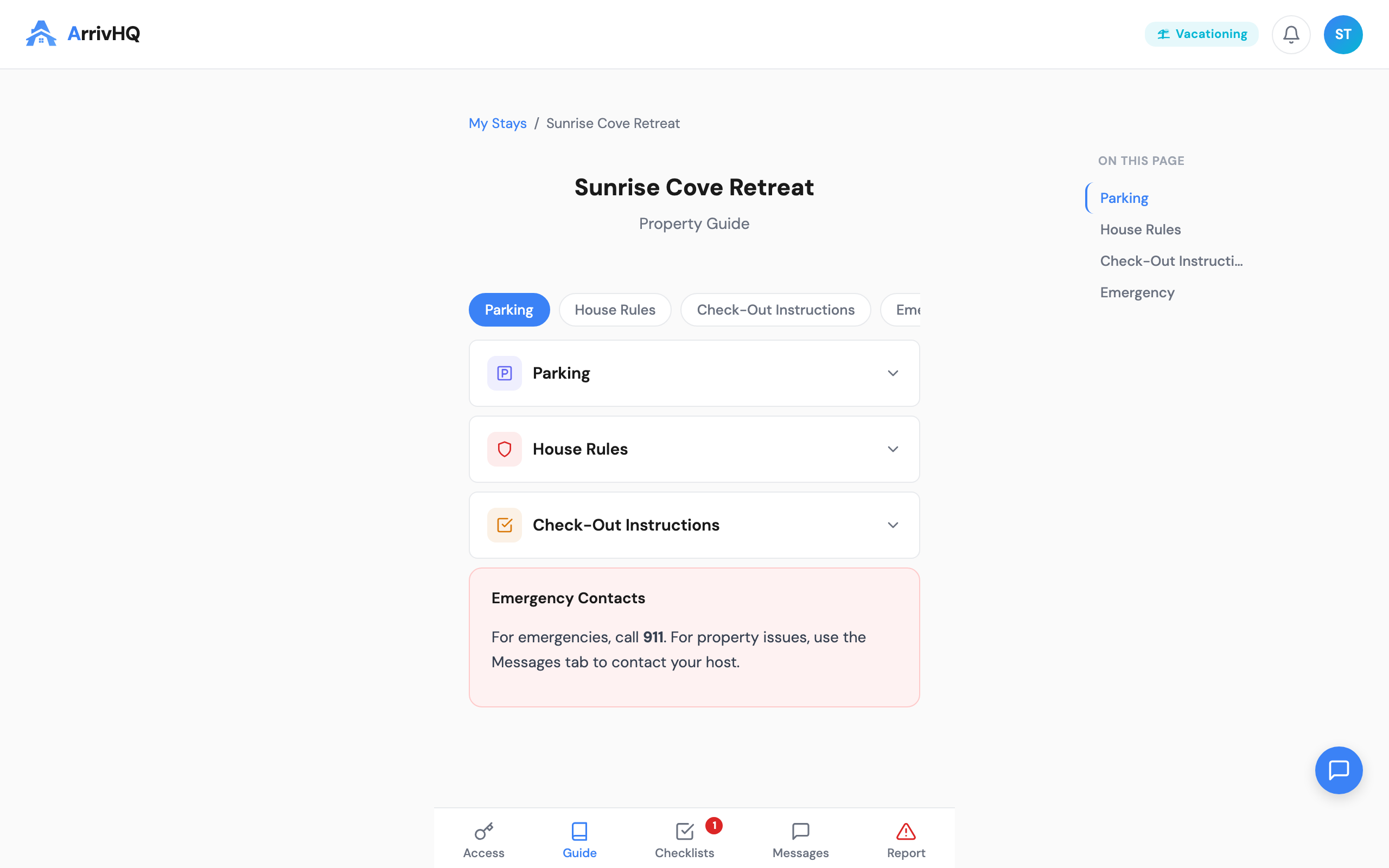
House rules
Every property has house rules set by your host. These are the expectations for your stay, and reviewing them before arrival helps you avoid surprises. Common rules include:
- Check-in and check-out times — These are firm unless your host agrees to a change. If you need early check-in or late check-out, message your host in advance to ask.
- Quiet hours — Many properties have quiet hours, especially in neighborhoods, condos, and multi-unit buildings. Your host specifies the exact times.
- Pet policies — Whether pets are allowed, and any restrictions on size, breed, or number of animals.
- Smoking — Most properties do not allow smoking indoors. The rules specify where (if anywhere) smoking is permitted.
- Maximum occupancy — The number of guests allowed, based on capacity, safety, and local regulations.
- Parking — Where to park, how many vehicles, and any restrictions like no street parking.
- Other rules — Pool or hot tub usage, thermostat guidelines, no parties without approval, security system instructions, and similar.
Your host may have rules in ArrivHQ that go beyond what was listed on the booking platform. The house rules here are set by your host directly and may include property-specific details not shown on Airbnb, Vrbo, or other listing sites.
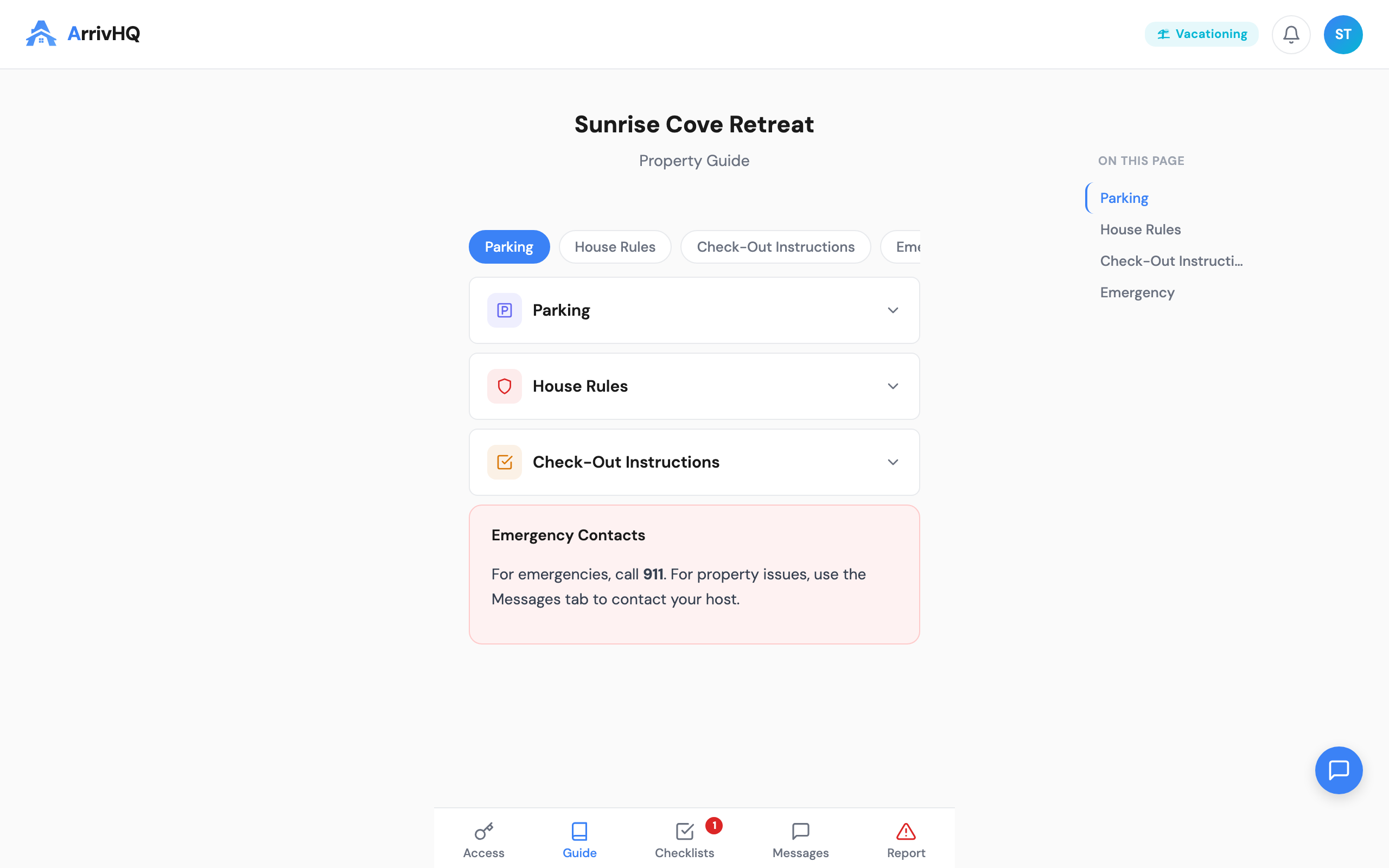
Local recommendations
Some hosts include local recommendations in the property info — restaurants, grocery stores, attractions, hiking trails, or other things to do nearby. If your host has not added any, the AI Concierge or a quick message to your host can point you in the right direction.
Offline access and checkout
If you want property details for offline reference, use your browser's print function to save or print the page before you leave. Property info is available for the duration of your stay — after checkout, your access ends, so save anything you might need later.
Common questions
What if the door code or Wi-Fi password does not work? Message your host immediately through the Messages tab. They can verify or update the information.
Does every property have a guide? Most hosts create one, but some share arrival details through messages instead. If the Property Info section seems sparse, check your message thread.
Can house rules change during my stay? Your host can update property info at any time, but changes during an active stay are uncommon. If something changes, your host typically lets you know via messaging.
What if I think a rule is incorrect or outdated? Send a message to your host. They can clarify or update the information.
For more details, see the Guest Help Center.