
If you are pursuing Real Estate Professional Status or need to prove material participation in your rental activity, your work log is the most important record you will keep. Not your receipts, not your revenue entries, not your mileage — your work log. The IRS expects contemporaneous documentation of the hours you spend on your rental business, and a log created at or near the time the work was done carries far more weight than one assembled after the fact.
Tax Court cases have repeatedly denied REPS claims where the taxpayer could not produce detailed, real-time hour records — even when the court believed the work was probably done. The documentation standard is high. ArrivHQ helps you meet it.
Why hours matter
Two IRS requirements drive the need for detailed hour tracking.
Real Estate Professional Status (REPS) requires you to spend more than 750 hours per year in real property trades or businesses in which you materially participate, and more than half of your total personal services must be in those real property activities. If you qualify, your rental losses become non-passive and can offset W-2, business, or investment income.
Material participation is a separate requirement. Even with REPS, you must demonstrate material participation in each rental activity (or in grouped activities if you make a grouping election). The most commonly used test requires more than 500 hours of participation during the tax year. A simpler alternative is the 100-hour test: you participate for more than 100 hours, and no other individual participates more than you do.
Both requirements share the same evidentiary need — a detailed, timestamped log of what you did, when, how long it took, and which property it was for.
Activity types
ArrivHQ provides 15 activity categories that cover the range of work STR hosts typically perform. When you log an entry, you select the category that best describes the work. The categories include Cleaning, Maintenance, Admin, Guest Comms, Procurement, Travel, Marketing, Inspections, Accounting, Photography, Landscaping, Check-in / Check-out, Furnishing, Insurance, and Other.
Not all categories carry equal weight with the IRS. Activities like Cleaning, Maintenance, Guest Comms, and Inspections are strongly associated with active participation. Categories like Admin and Accounting may receive more scrutiny depending on what the work specifically involved. The description field is where you make the case — "Reconciled January bank statement and categorized 47 expenses for the beach house" is far stronger than "bookkeeping."
Team members with a cleaner role can only log entries under the Cleaning category. Managers and admins can log any category.
Logging your hours
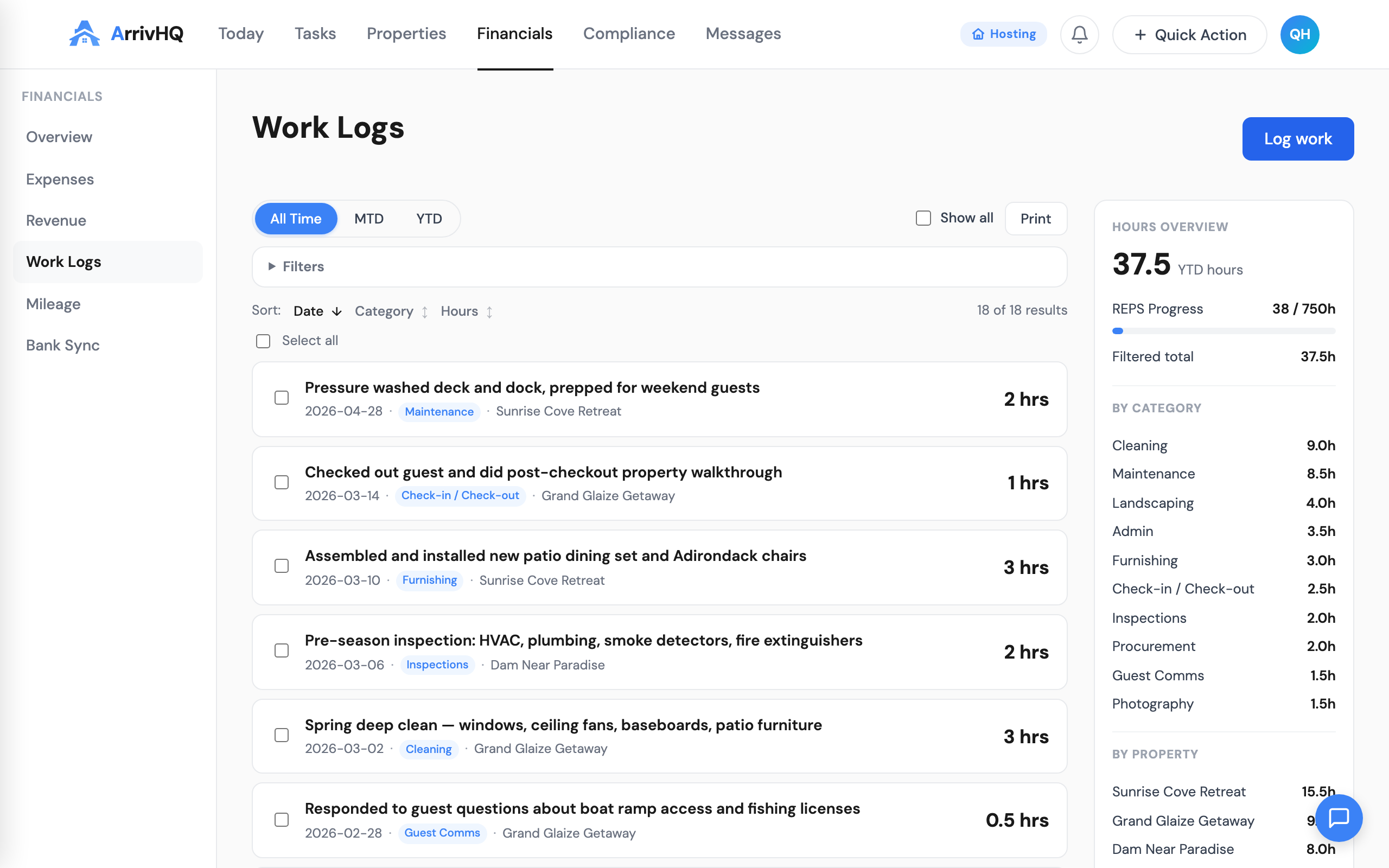
Go to Financials > Work Logs and click Log work. Three fields are required: activity category, hours, and date. You can optionally assign the entry to a property and reservation, and add a description.
Hours can be logged in increments as small as 0.25 hours (15 minutes). Be accurate — do not round a 20-minute task up to an hour. The IRS values precision, and inflated entries undermine credibility.
A strong entry looks like this: Maintenance category, 1.5 hours, assigned to Sunrise Cove Retreat, description "Replaced kitchen faucet cartridge, tested water pressure, tightened loose cabinet hinges in master bath." A weak entry looks like this: Other category, 3 hours, no property, description "property stuff."
The difference matters. Log as if someone else will need to read and verify your records, because in an audit, someone will.
The 750-hour threshold
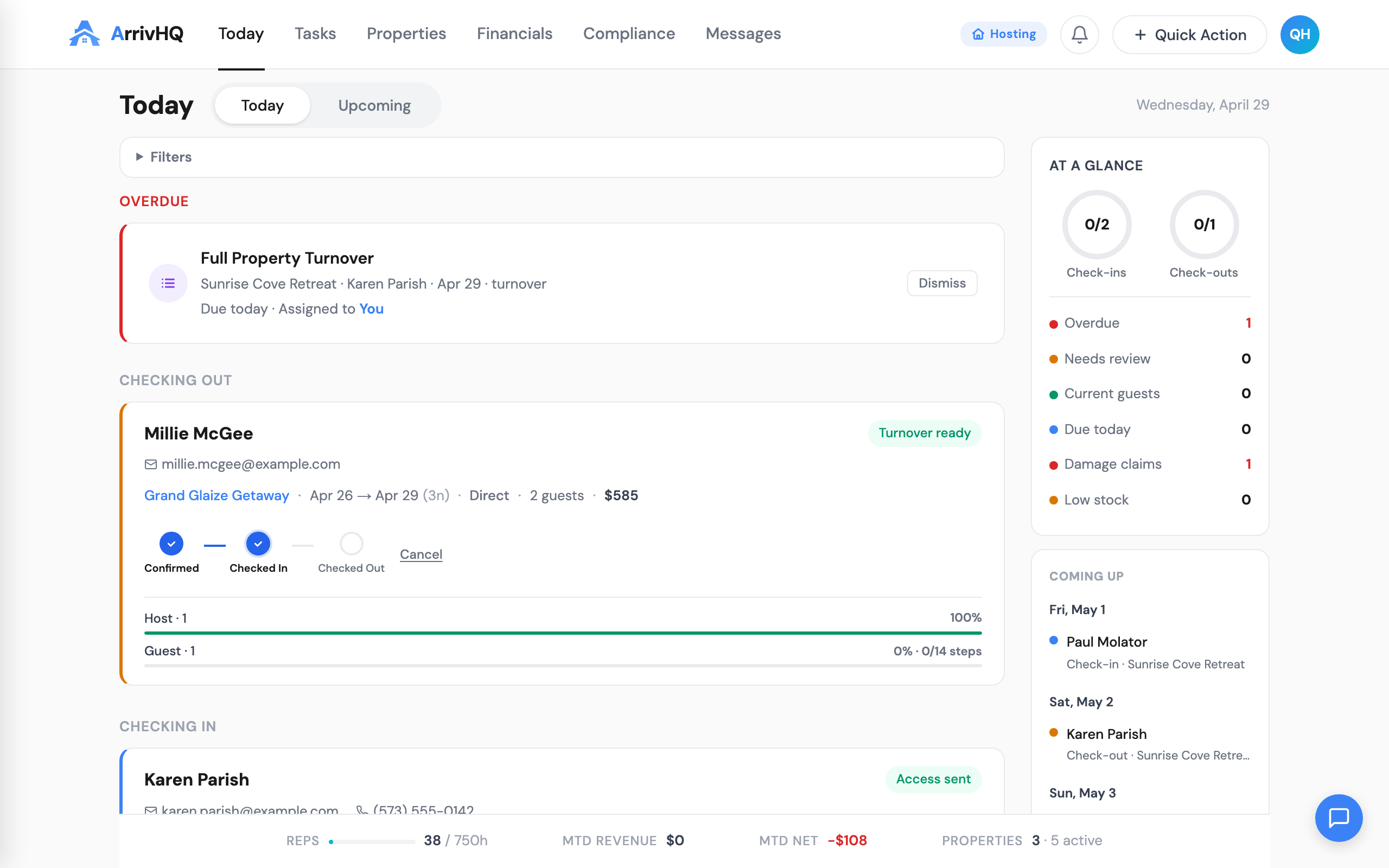
The Today dashboard displays your year-to-date hours alongside the 750-hour REPS target. This gives you a running progress bar throughout the year. If you are at 300 hours in June, you know you need to average about 75 hours per month for the rest of the year to reach the threshold.
The 750-hour requirement spans all your qualifying real property activities — not just short-term rentals. Property management, development, construction, and brokerage hours also count. ArrivHQ tracks your rental-related hours; if you have additional qualifying activities, you may need to maintain separate records and share them alongside your ArrivHQ exports.
For the more-than-half test, you need to spend more time in real property activities than in any other profession. If you work 2,000 hours at a W-2 job, you need more than 2,000 qualifying real property hours. This is a high bar, and it is the reason many REPS claims come from hosts who manage rentals as their primary occupation.
Material participation tests
The IRS provides seven tests for material participation. You only need to pass one. For most STR hosts, two tests get the most attention.
The 500-hour test is the most straightforward. Log more than 500 hours on your rental activity during the tax year, and you pass. It is objective, easy to document, and leaves little room for dispute.
The 100-hour / more-than-anyone-else test works if you self-manage and do not use a property manager or co-host who logs more hours than you. You need at least 100 hours, and no other single individual can exceed your total.
If you file jointly, spouses can combine hours for material participation (unlike the REPS tests, where each spouse is evaluated independently). This can make the 500-hour test more reachable for couples who share property management duties.
Building the habit
The best approach is to log hours the same day you do the work. The entry takes 30 seconds. The alternative — reconstructing months of activity from memory — takes hours, produces weaker records, and risks the entire REPS claim.
Many hosts log their hours at the end of each day or during a weekly review. The key is that the system timestamps each entry when it is created, establishing that the record was made contemporaneously. A daily logging habit is the simplest way to produce the kind of documentation the IRS expects.
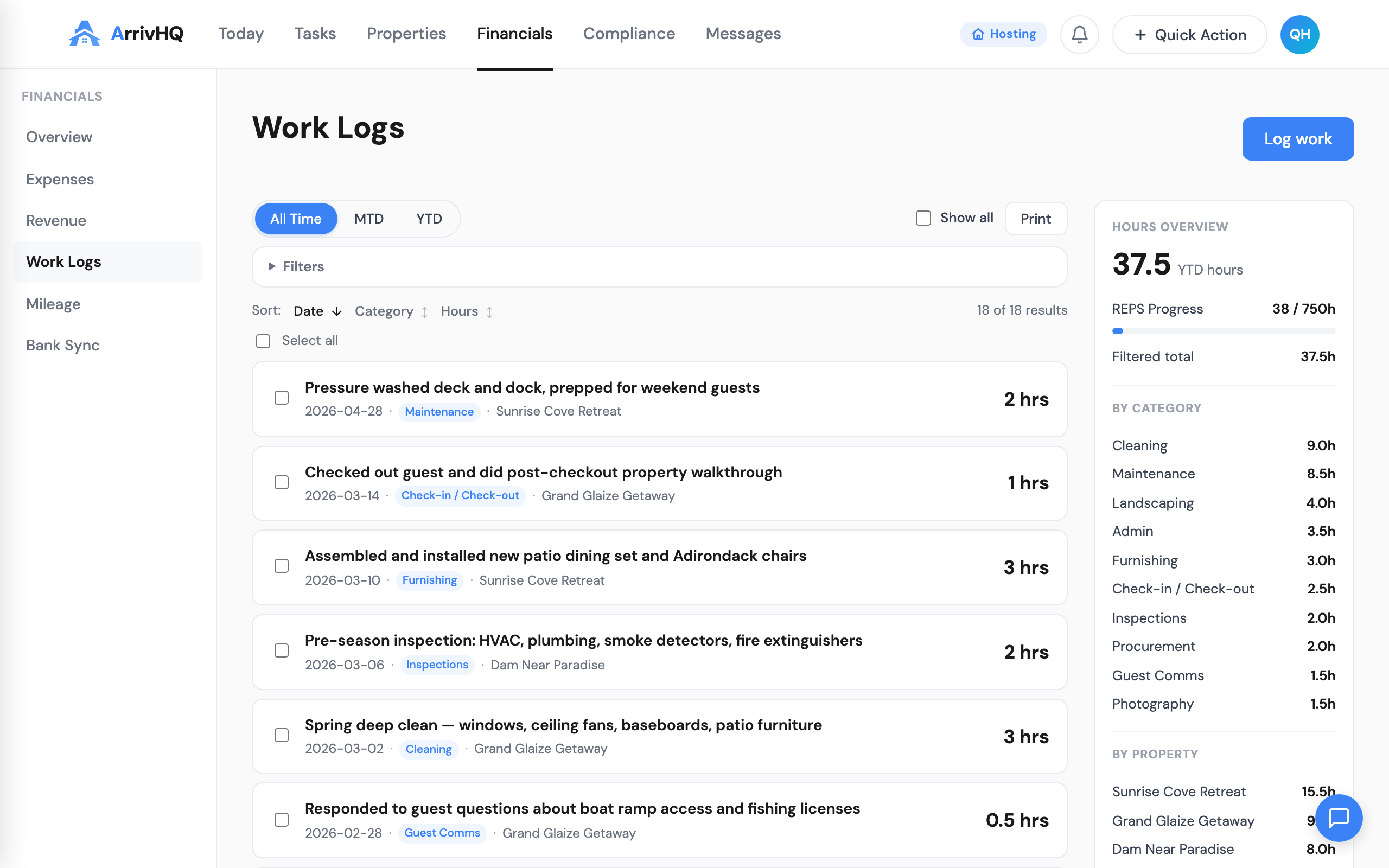
For the complete reference, see the Work Logs documentation.